

An access control integrator in Poland told us about a retrofit job that went wrong. He replaced sixteen door units in an older office building and ordered generic readers off a supplier list. When his team installed them, the original 125kHz ID cards would not register on half the doors. The new units were tuned for 13.56MHz IC cards, while the building had been running EM4100 proximity fobs for years. An id card reader has to match the card already on site before it matches the door design.
Most failed reader projects trace back to that one mismatch. The hardware and price looked right, but the frequency and chip family did not line up with the existing credential. The checks below cover ordering an id card reader for a building, school gate, or attendance system.
What an ID Card Reader Actually Does
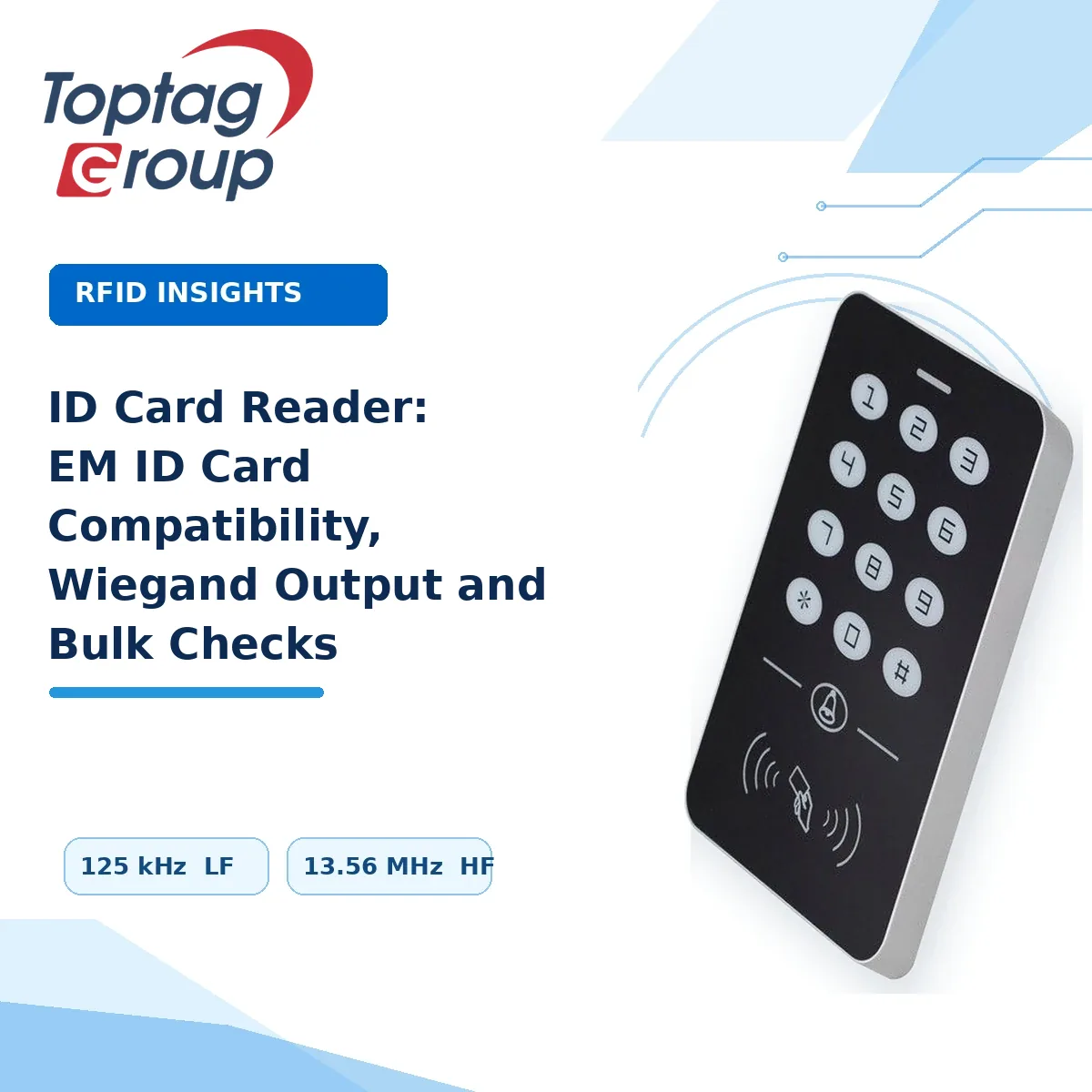
An id card reader picks up a proximity ID card signal and turns it into a card number the controller checks. On a 125kHz system that usually means EM4100, TK4100, or compatible fixed-code chips. The reader powers the nearby card through its antenna, reads the serial number, and sends it to the controller, which decides whether the door opens.
This is where the ID and IC labels confuse buyers. In access control, an ID card means the 125kHz proximity card used on older buildings and gate systems. An IC card, often Mifare Classic at 13.56MHz, is a different family with its own reader requirements. A reader for one family will not work cleanly with the other. Old plastic proximity badges call for an id card reader built for that band.
Check Your Existing Card Before You Buy
Start with what cards you already carry, not a reader model. Check the chip marking on a badge, or test the card on a known-working reader. Mixing a 125kHz site with a 13.56MHz reader is the common failure, and it shows up only after installation.
A distributor in the United Arab Emirates ordered two hundred units for a staff attendance rollout. His client had two generations of badges on site: older EM ID cards and newer Mifare IC cards. Instead of forcing one reader to cover both, he split the install, kept the 125kHz doors on an id card reader, and paired the newer badges with a 13.56MHz reader. The write-up saved a return batch that would have run close to thirty thousand dollars.
For fresh credentials, our range of blank ID cards covers 125kHz proximity shells in PVC and ABS, so reader and card arrive as a matched set. Order a small sample batch, write a few cards on your controller, and test them on the doors before a full rollout.
Output and Wiring for Door Access
An id card reader does not stand alone; it has to talk to the controller it wires into. The dominant door output is Wiegand, 26-bit or 34-bit, and the output format must match what the controller expects. Power supply, cable run, and keypad or exit button support all affect the install.
USB and Bluetooth readers suit desktop enrollment or handheld checks, not a fixed door mount. For antenna range, protocol, and interface depth, see our guide on the read-range and interface details for 125kHz units. For a retrofit, confirm Wiegand compatibility with the existing controller before quoting the reader.
Physical Build and Site Reliability
Reader reliability comes down to where it mounts and what it faces. Indoor units sit under cover in a lobby or corridor. Outdoor gates and parking doors need a housing that handles dust, splashes, and temperature swings. Metal frames, foil insulation, and thick walls near the antenna shorten range or drop reads, so keep the reader clear of that shielding.
Watch the read distance in real conditions. A proximity ID card reader usually reads within a couple of centimeters to five centimeters at the antenna. Test the badge at the angle people actually present it, not flat on the bench. A reader that works on the desk may miss the card when a user holds it at the door handle.
Bulk and OEM Checks
For a dealer or installer placing bulk orders, the reader is part of a bigger package: readers, cards or fobs, controllers, and sometimes printed badges. Ask the supplier whether the id card reader can run in the same frequency across the whole batch, whether the firmware matches your controller protocol, and what MOQ applies for custom housing or logo printing.
Sample units matter in bulk buying. Run twenty to thirty readers against your own card stock and controller, check read rate over a few days, and confirm shell and mounting hardware match the door locations. A batch needing on-site returns costs far more than the dollars saved on the quote.
FAQ: Quick Answers on an ID Card Reader
Can an id card reader read Mifare cards?
A 125kHz ID reader cannot read a 13.56MHz Mifare IC card. Mifare badges call for a 13.56MHz reader; the two families do not share one basic unit.
What is the difference between Wiegand 26 and 34?
Both send card data over Wiegand wiring. 34-bit carries a longer facility and card number range; 26-bit is the older, simpler format. Match the bit length to your controller, not a reader that defaults to the other.
How close does the card have to be?
Most proximity ID card readers read within two to five centimeters. Outdoor metal mounting and thick doors can cut that distance, so test on site before final placement.
Can one reader handle both ID and IC cards?
A dual-frequency reader can cover both bands, but it costs more and adds setup work. For a single-card site, a dedicated id card reader that matches your card usually reads more reliably and costs less.
What MOQ applies for bulk or custom orders?
Sample units of a few readers are standard for testing. Bulk pricing improves at several hundred units, and custom logo or housing printing usually sits at a higher MOQ. Send us your controller model and card type so we can match the reader frequency and output to your system.
For a building retrofit, school gate rollout, or attendance project, start with the cards in use, the controller on site, and the door count. Share those details, and we will match the id card reader frequency, Wiegand output, and blank card stock to your installation.